// workflow
The Interior Design Client Brief Template That Actually Works

Why most briefs fail
The standard interior design brief is a Word document with questions like "Describe your style" and "What's your budget range?" These questions produce vague answers because they ask clients to articulate things they haven't thought about.
"I want it to feel modern but warm" tells you almost nothing. But it's the best answer a client can give to an open-ended question about style.
A better approach: structured discovery
Instead of asking clients to describe what they want, help them discover it:
Functional requirements first
Before style, understand function:
• How many people live here? Ages?
• How do you use each room? (Morning routine, evening routine, weekends)
• What frustrates you about your current space?
• Any accessibility needs?
• Pets? Plants? Collections?
These questions have concrete answers. "We have two kids under 5" is infinitely more useful than "we want a family-friendly space."
Visual preference mapping
Don't ask "what's your style?" Instead:
• Show 20-30 curated images and ask clients to rate them
• Use style quizzes that map preferences to design directions
• Create collaborative moodboards where clients can add and react
This gives you data, not adjectives.
Budget as a range, not a number
"What's your budget?" makes clients defensive. Instead:
• Present budget ranges tied to outcome levels
• Show examples of what different budgets achieve
• Frame it as investment ranges, not spending limits
Priorities, not wish lists
Ask clients to rank their priorities:
1. Which rooms are most important?
2. Comfort vs. aesthetics – where does the balance sit?
3. Timeline: fast or flexible?
4. Custom vs. retail: how important is uniqueness?
The brief document structure
A good brief should fit on 2-3 pages:
1. **Project overview** – space, scope, timeline
2. **Functional requirements** – room-by-room needs
3. **Style direction** – quiz results + moodboard link
4. **Budget framework** – ranges per room/category
5. **Priorities** – ranked list
6. **Constraints** – structural, building regulations, landlord rules
Making it digital
Paper briefs get lost. PDF briefs get attached to emails that get buried. The best briefs live in a system where:
• Clients fill them out at their own pace
• You can add follow-up questions
• The brief connects to the rest of the project (rooms, budget, presentations)
• Both parties can reference it throughout the project
The outcome
A well-structured brief doesn't just save time – it protects both parties. When a client says "this isn't what I asked for," you can point to the brief. When scope creeps, the brief defines what was agreed. It's not just a document – it's a contract of understanding.
How Liru structures the discovery process
Liru replaces the static brief document with a connected discovery system. The style quiz presents clients with curated images and asks them to react -- swipe, rate, or compare -- so you get actual preference data instead of vague adjectives. Quiz results map to concrete design directions, giving you a foundation built on choices rather than guesswork.
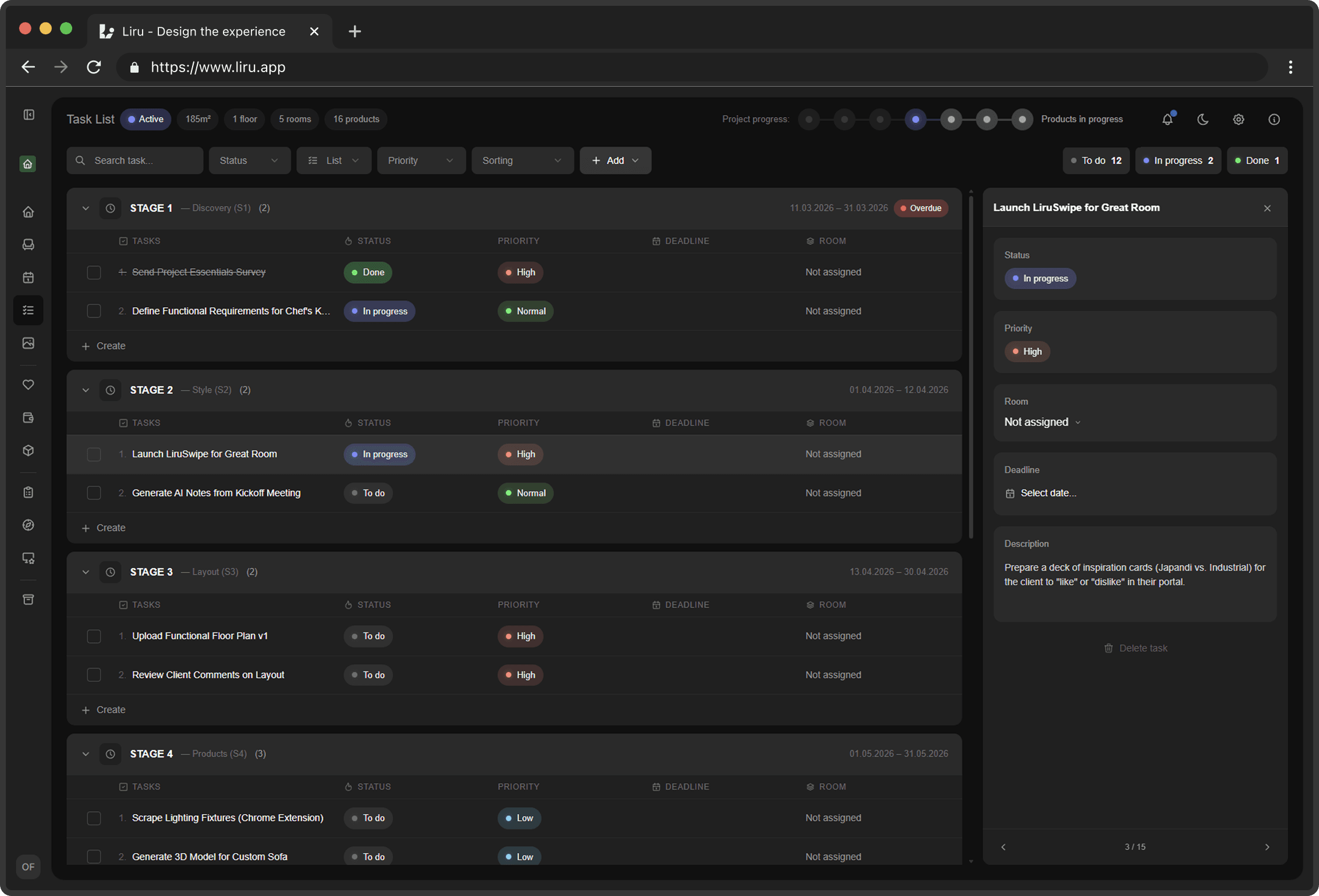
Surveys in Liru go further than a one-time questionnaire. You create structured surveys with room-specific questions, and clients fill them out at their own pace through the portal. Need follow-up clarity on the kitchen workflow? Add questions to that room's survey without starting over. Every response stays connected to the project -- linked to the relevant room, referenced alongside the budget and presentations. The brief isn't a PDF that gets buried in email; it's a living part of the project that both you and your client can reference throughout.
The result is a discovery process that produces usable data from day one and stays relevant as the project evolves. If you want to replace generic questionnaires with a structured system that actually drives better design outcomes, Liru's early access is open now.
Ready to try a better workflow?
Join early access